
Start by navigating to settings and user management.
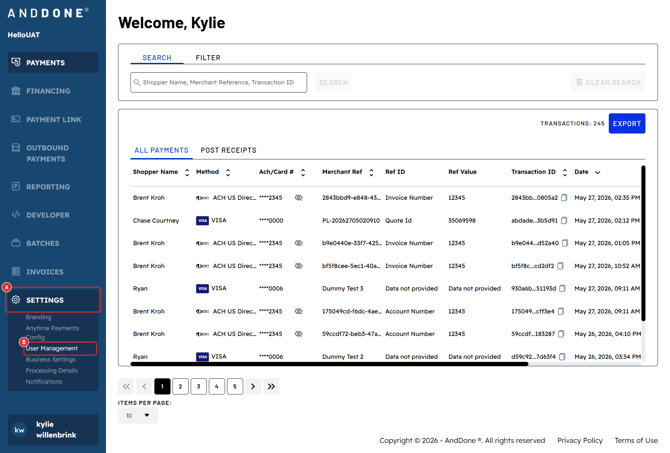
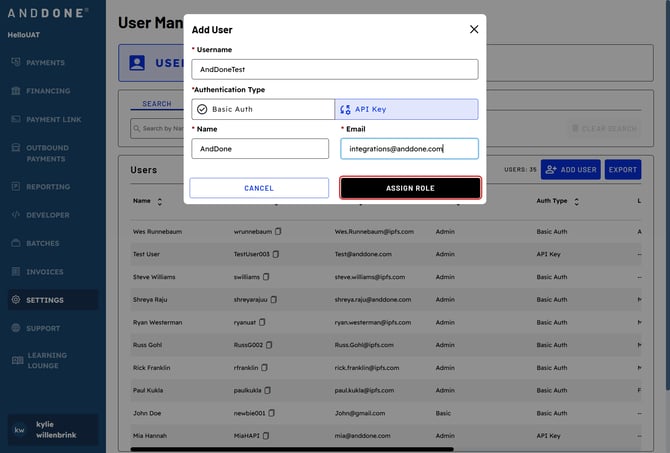
Click "Add Users".
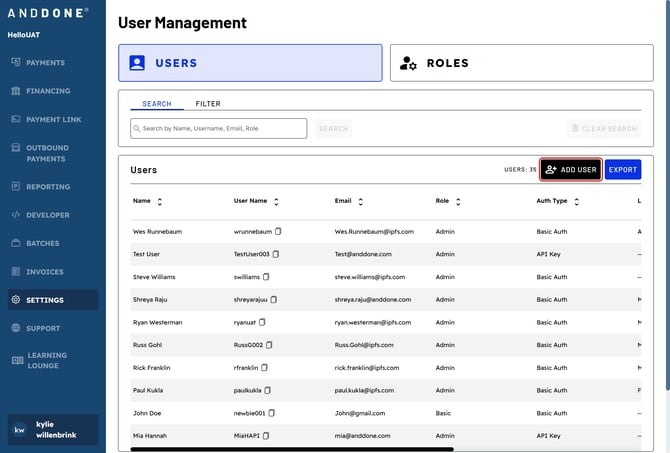
Under Authentication Type, select "API Key".
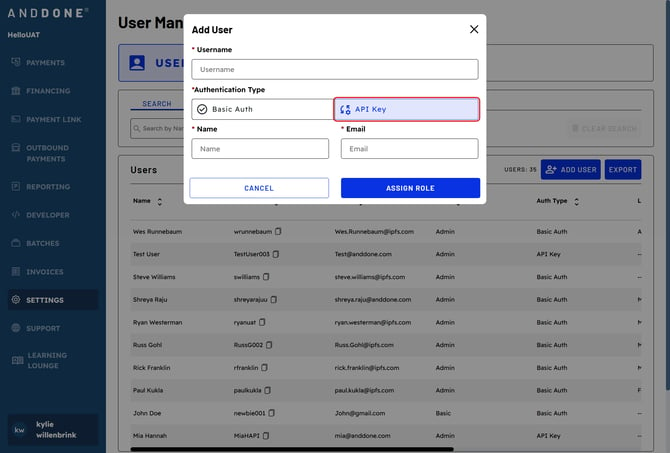
Enter in a Username, Full Name, and Email of User.
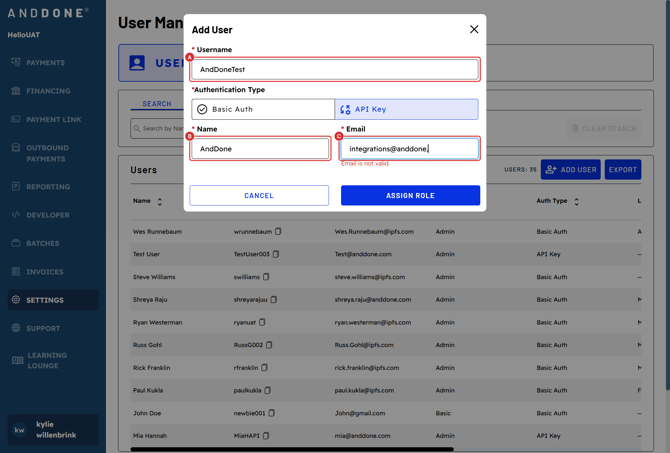
Click "ASSIGN ROLE".
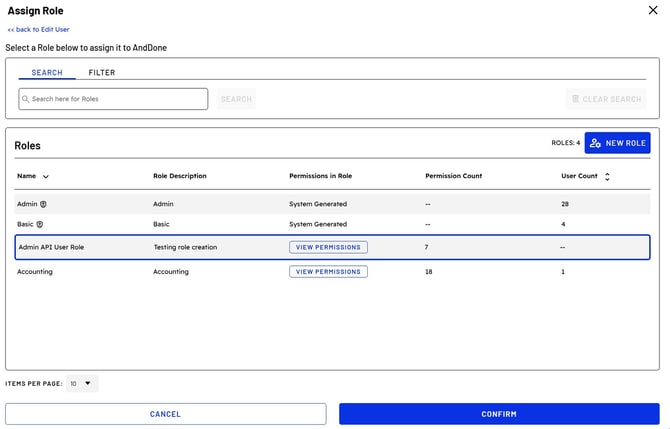
Select a Role to Assign. You can either use the pre-set roles or create your own
role based on the level of API functions you would like the user to be able to
perform. Then click "CONFIRM".
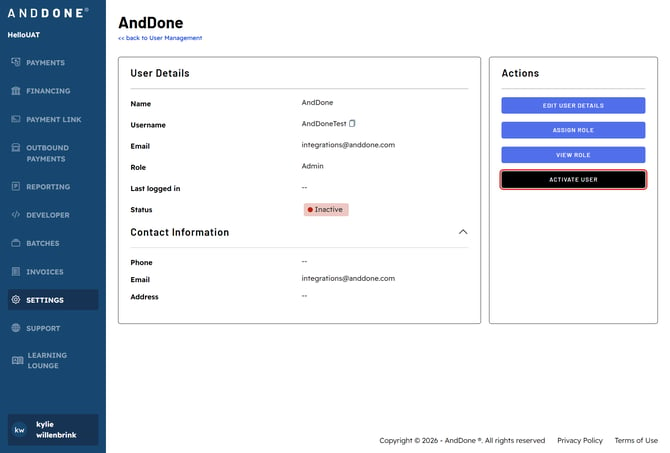
Click "ACTIVATE USER".
Click "Confirm".
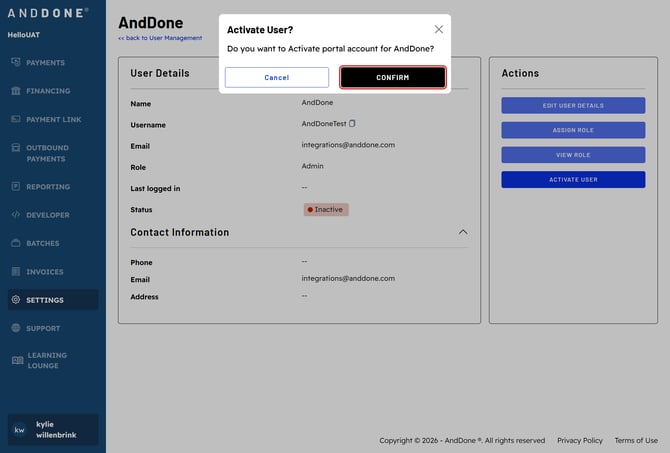
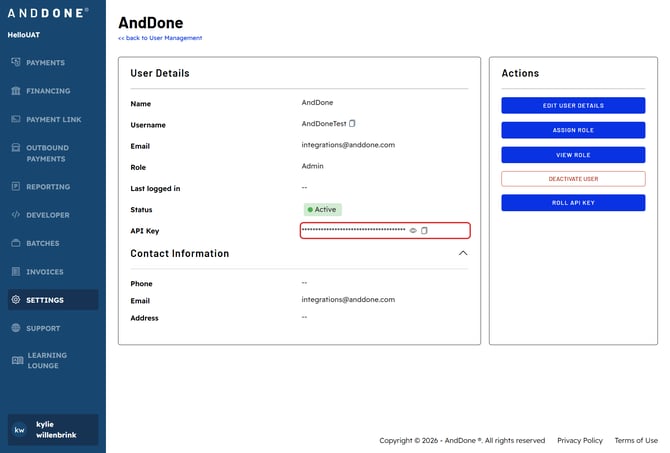
User API Key will be visible here.
Questions? If you need assistance or have any further questions, please reach out to our integrations team at integrations@anddone.com.
Related Articles