
Start by navigating to settings and user management.
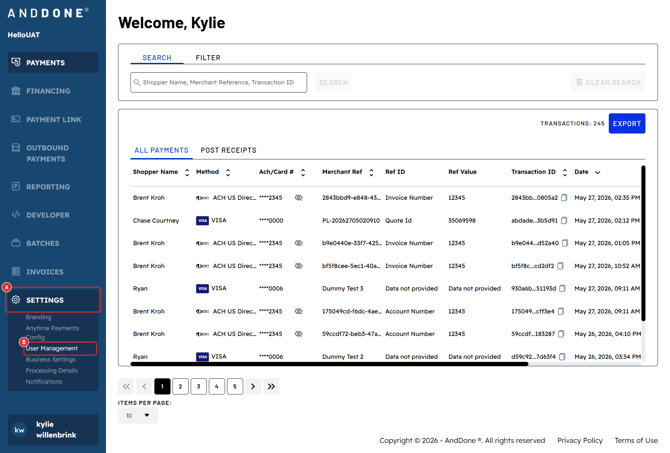
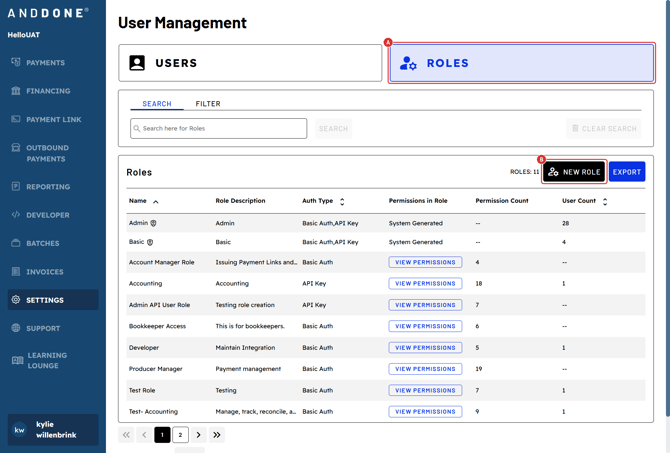
Click "Roles" and "New Role".
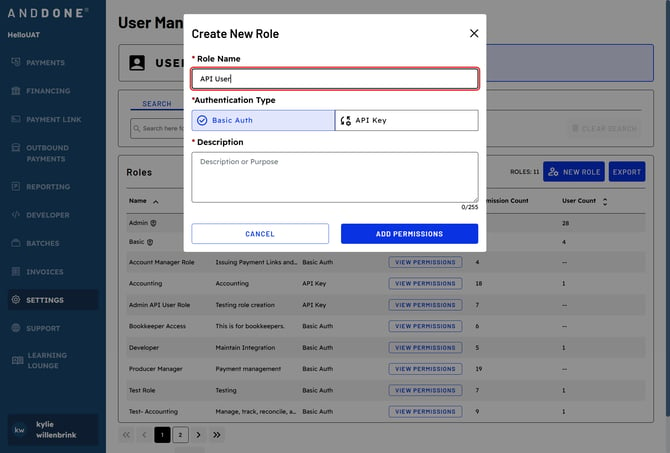
Type in "Role Name"
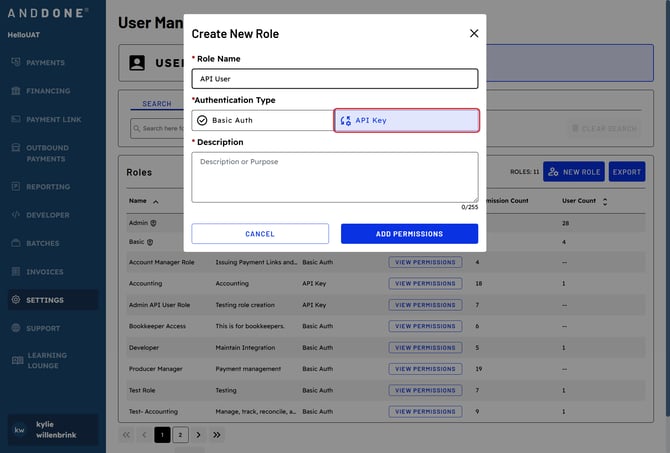
Under Authentication Type, select "API Key".
Add a "Description".
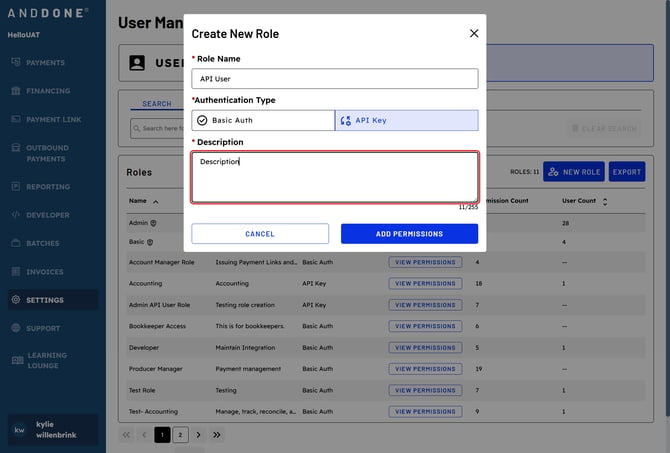
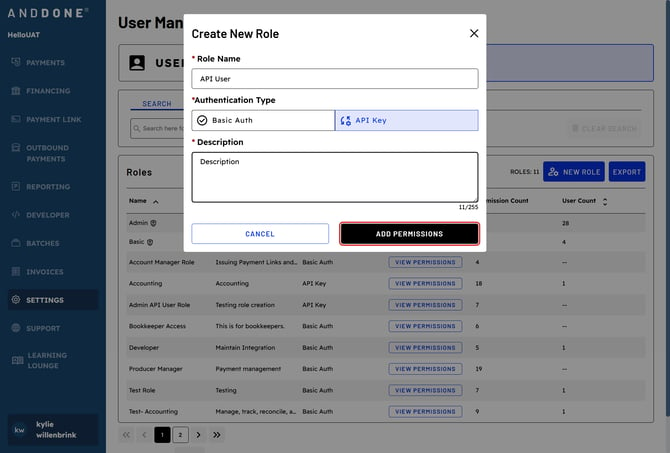
Click "ADD PERMISSIONS".
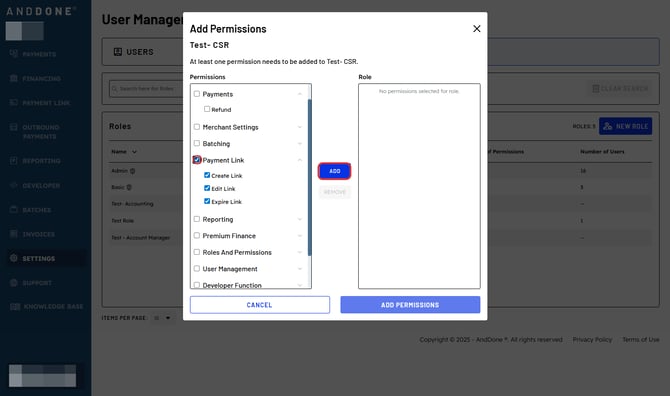
Expand Permission Categories & Select Preferred Permissions
- Click the drop-down arrows next to each section to view available permissions.
- Check the boxes next to the permissions you wish to assign to the role.
- Click ADD to apply the selected permissions to the role.
Click "ADD PERMISSIONS".
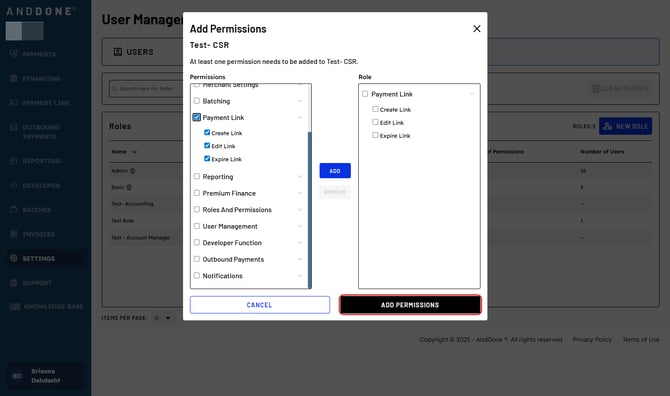
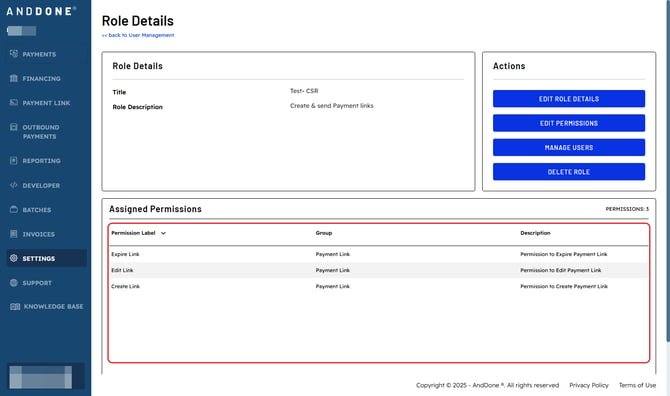
Role Details will show you all the permissions associated with the role.
Questions? If you need assistance or have any further questions, please reach out to our integrations team at integrations@anddone.com.
Related Articles