
Paying via Anytime Payments Links
When you receive an Anytime Payments Link, you will need to enter the payment amount, contact information, and provide the identifier (possibly an account or policy number).
When you have filled out all of the required fields, click Proceed to continue.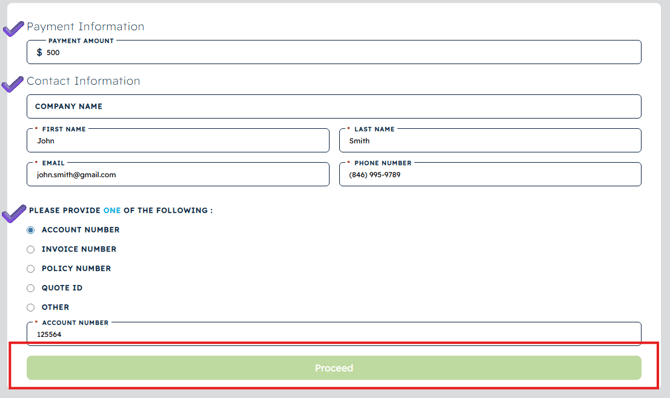
Select whether you would like to pay via ACH or Card and enter your payment details. 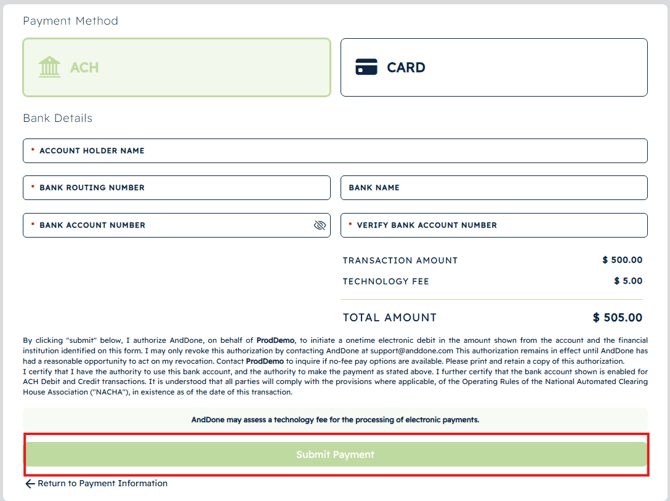
The Payment summary screen and receipt for the submitted payment will be provided. 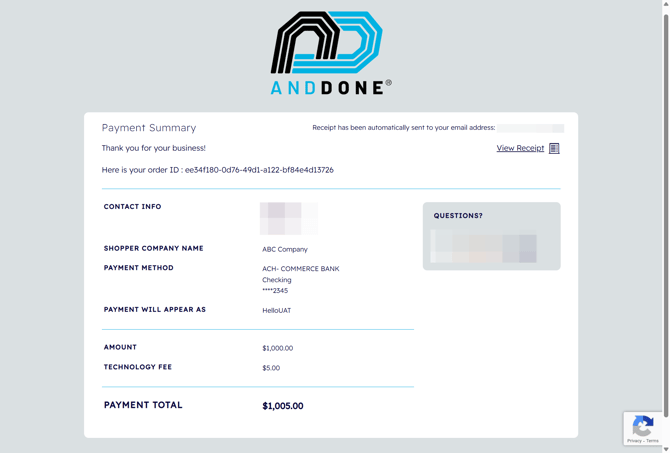
Paying via Unique Payment Links
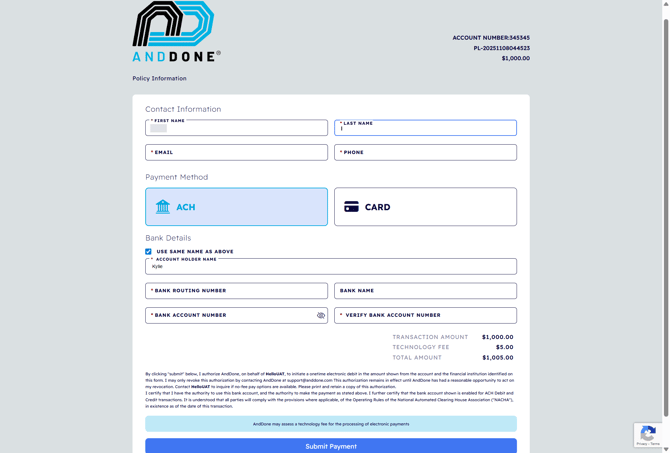
As opposed to an Anytime Payments Link, when paying via a Unique Payment Link, the amount due and identifier are already provided.
You will need to enter your contact and payment information. Once required fields are completed click Submit Payment.
The Payment summary screen and receipt for the submitted payment will be provided.
If you need assistance or have any further questions, please click here to contact our support team.