
Daily reports are automatically generated each day when the corresponding activity occurs. You can also generate daily reports manually at any time, as needed.
The instructions below will explain how to generate a daily report:
Login to the Payments Portal (click here to log in)
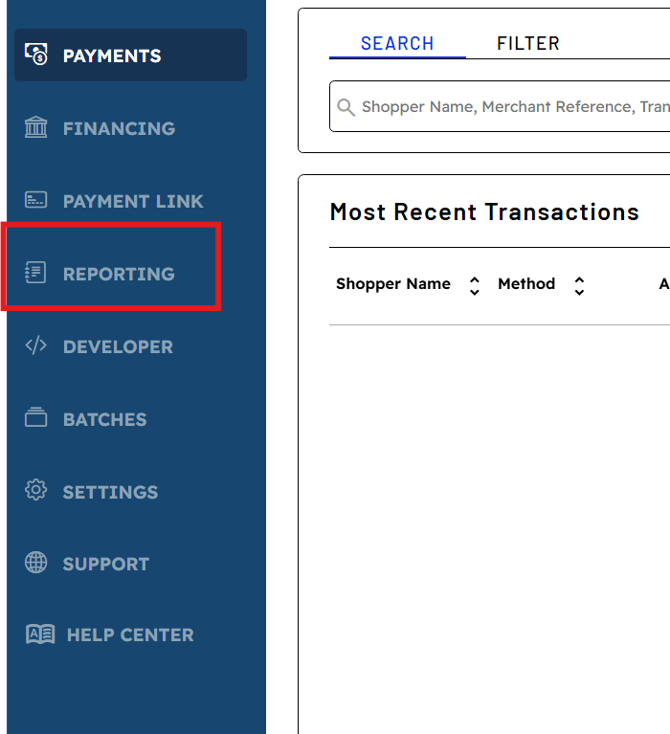
Click on Reporting located in the navigation bar on the left side of the portal.
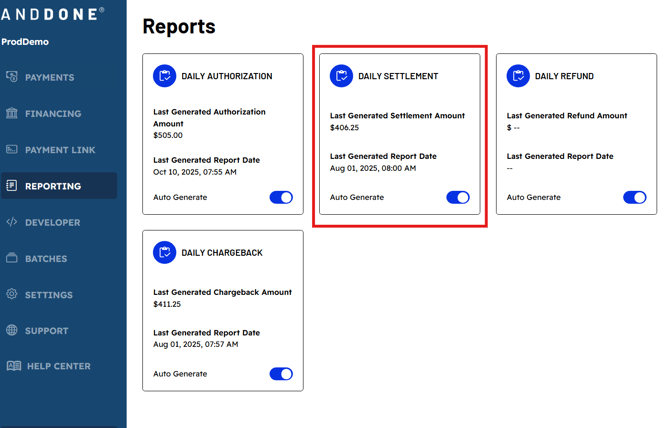
Daily Report options are listed, each showing the most recently generated amount and date.
To generate an ad hoc Daily report- simply click on the box of your desired report.
The Auto Generate option should always be toggled on.
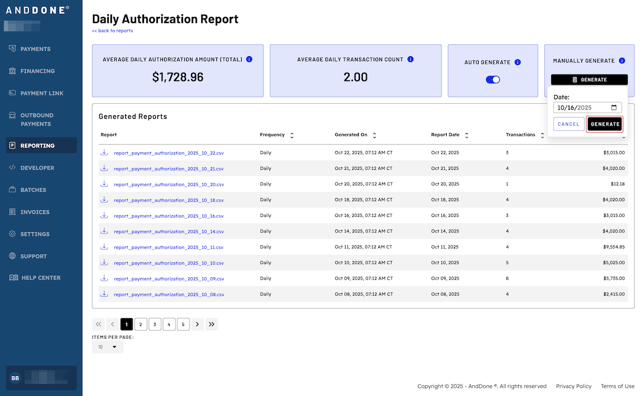
Then select Generate under the Manually Generate box and enter the desired date.
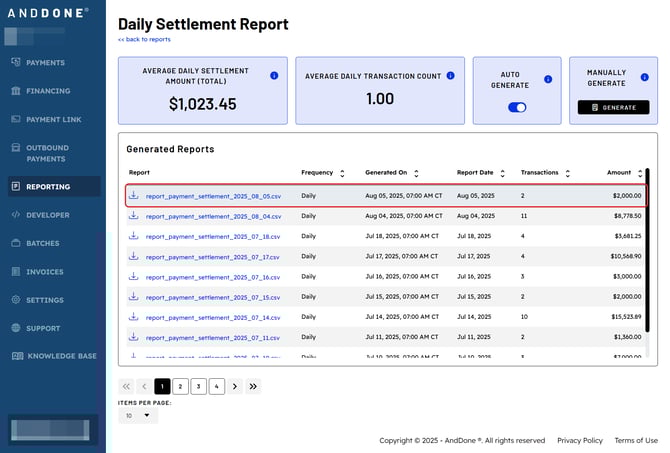
Then you can download the newly generated report in CSV format.
If you need assistance or have any further questions, please click here to contact our support team.